Windows · runs on your machine · works offline

Voice that types.

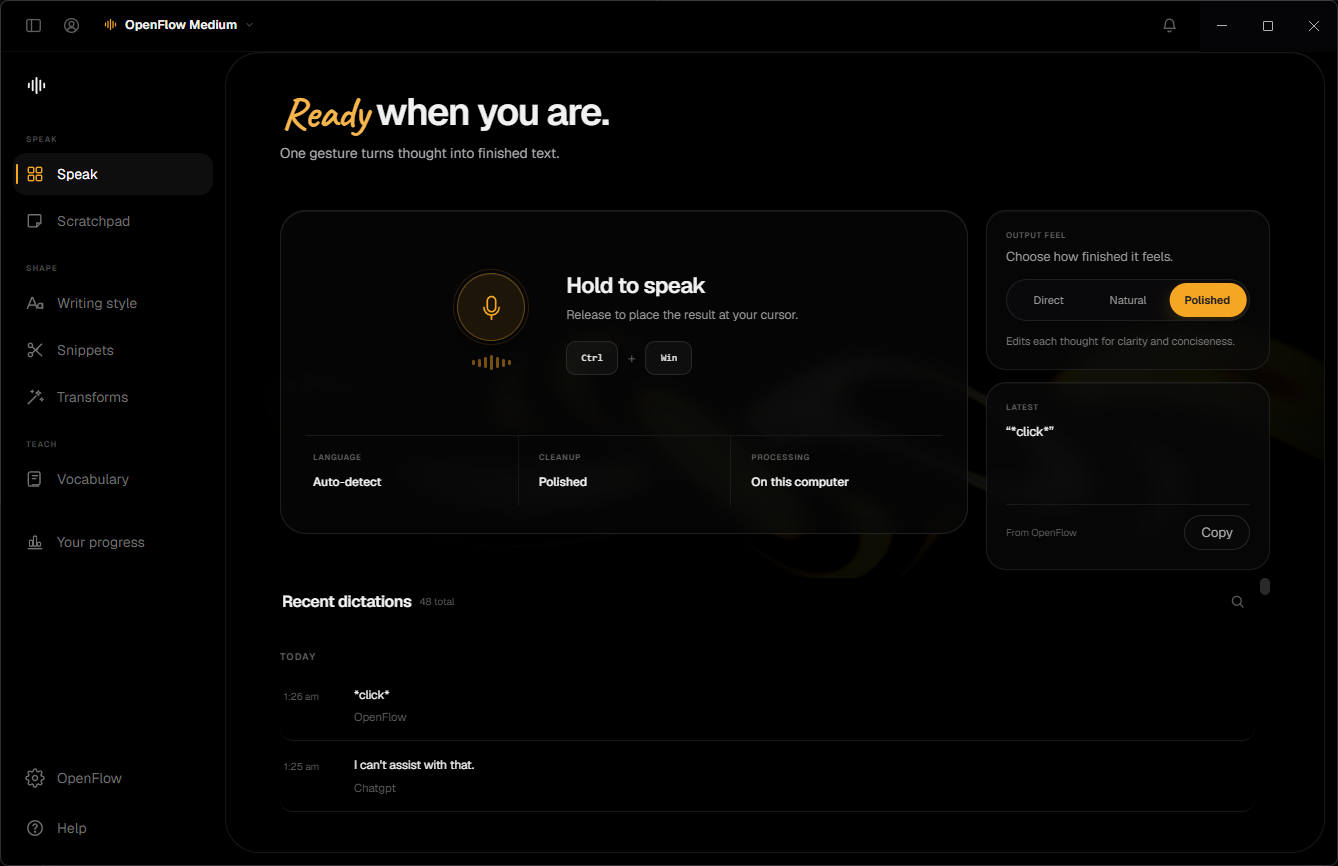
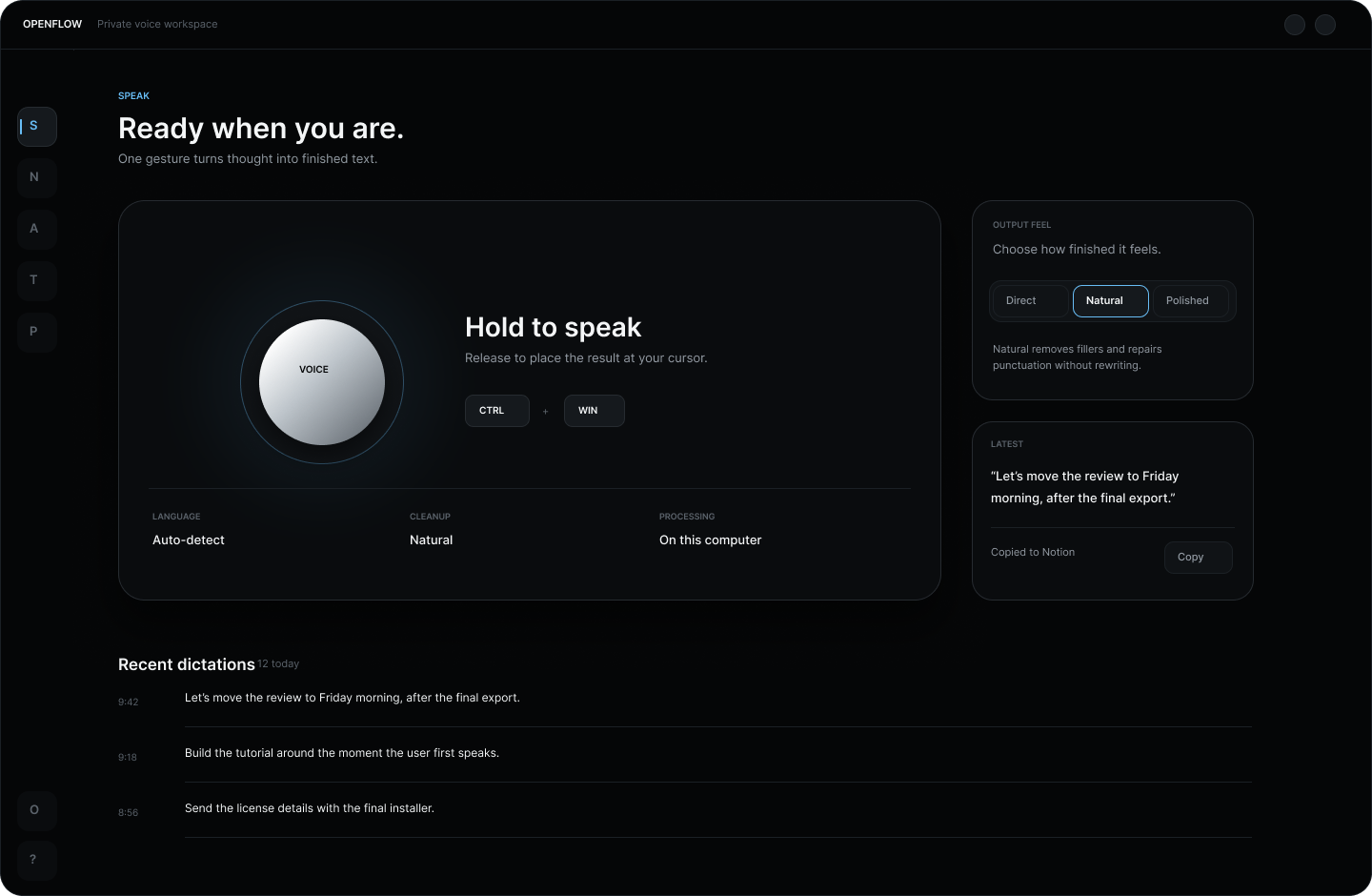
Hold a key, speak, release — your words land wherever your cursor is, cleaned up and ready, in any app. Dictation runs entirely on your computer, so it is fast, private, and works with the Wi‑Fi off.

Free 3-day Pro trial. Then pay once — from $5. No subscription, ever.

Any app, anywhere your cursor is
Ready
Cleaned up on-device — nothing was uploaded
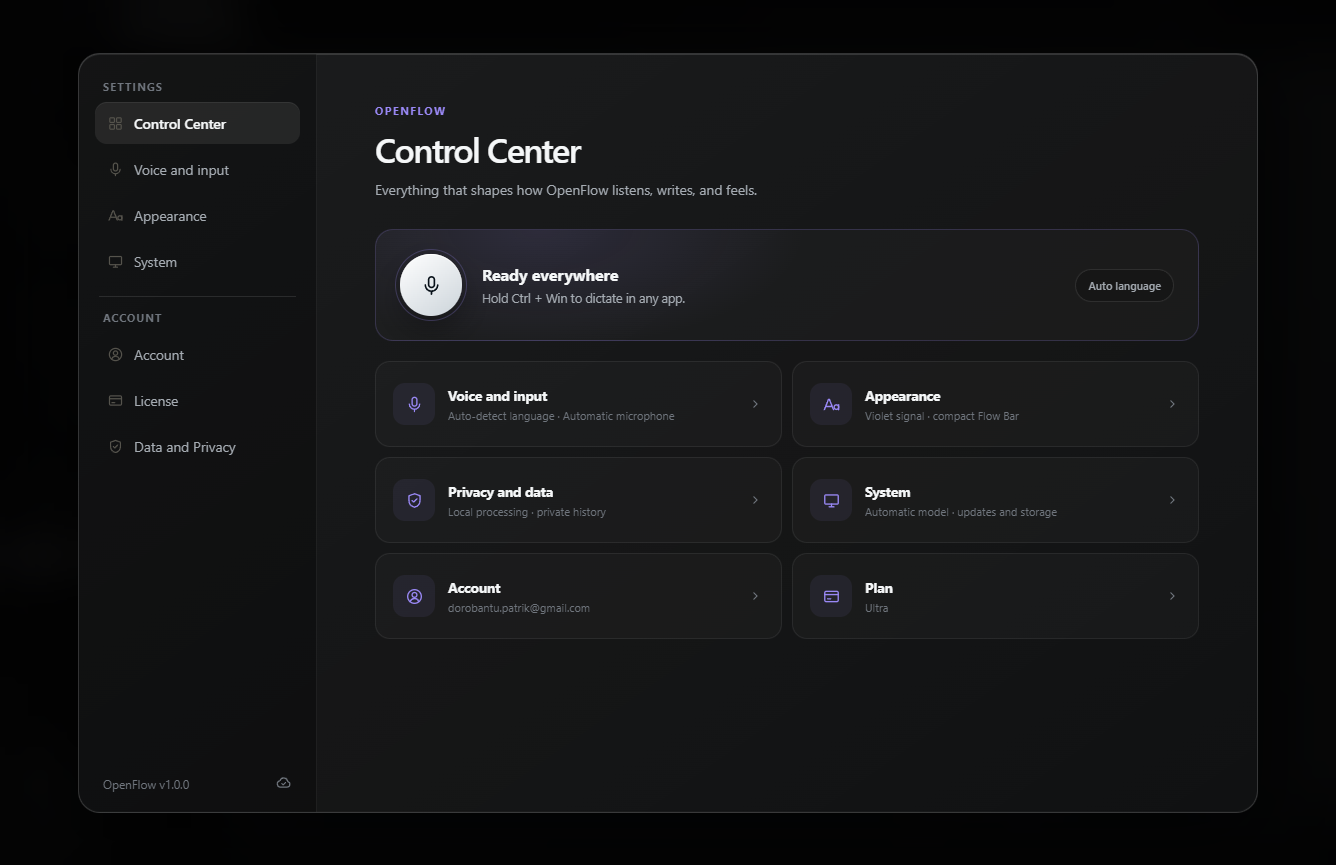
Ctrl + Win  hold to talk
100+languages, auto-detected
0audio clips uploaded — ever
$0/mopay once, keep it forever
Offlineno internet required to dictate
Tap for sound
Why voice

You speak three times faster than you type.

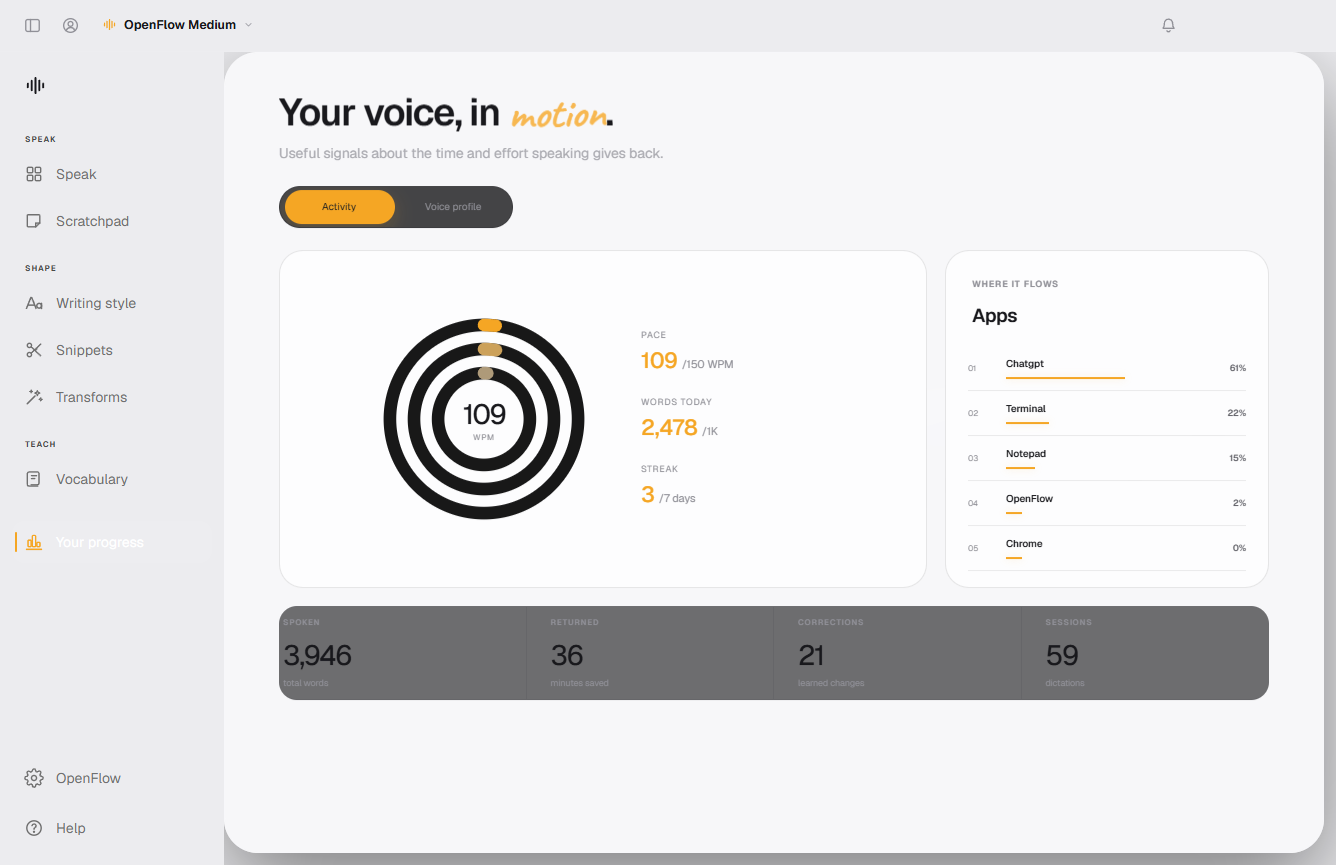
The average person types about 45 words per minute and talks at about 150. OpenFlow turns that gap into finished emails, messages, prompts, and docs.

Keyboardaverage typist
45 wpm
Your voicewith OpenFlow
150 wpm
Typical adult speaking and typing rates; your pace will vary. Either way, your mouth wins.
Private by architecture

Nothing you say leaves this machine.

Most dictation tools stream your voice to someone else's servers. The OpenFlow speech engine runs directly on your hardware — privacy is not a setting, it is how the app is built.

On-device transcription

Audio is processed locally by the OpenFlow engine and discarded. There is no cloud speech API in the loop — because there is no cloud.

Works offline

Planes, trains, dead zones, locked-down networks — dictation keeps working with the internet completely off.

Uses your hardware

OpenFlow inspects your CPU, RAM, and GPU and picks the best model automatically. NVIDIA cards are detected and used for extra speed.

Stays local: audio, transcripts, history, dictionary, snippets, notes
Never uploaded: what you dictate — not for sync, not for “improvement”, not ever
The honest comparison

Why not just use a cloud dictation app?

Cloud tools rent you transcription by the month. OpenFlow sells you the whole machine.

Typical cloud dictation app OpenFlow
Where your voice is processed Uploaded to remote servers On your computer only
Works with no internet Usually not Yes, fully offline
What you pay Subscription, forever Once — $5 to $29
Cost after two years Hundreds of dollars Still the same one payment
Who holds your transcripts Their cloud, their policy You. They never leave your disk

"Typical cloud dictation app" describes the common subscription, server-side model — check any specific product's own pricing and privacy policy.

System-wide

If your cursor blinks there, OpenFlow types there.

Email Chat & messengers Docs & notes Code editors Terminals Browsers AI chats & prompts Everything else

No plugins, no per-app setup. OpenFlow pastes into the focused text field of any Windows app — the same way your keyboard does.

Made for how you work

One tool, a hundred jobs.

Developers

Dictate rich prompts, commit messages, PR reviews, and docs at thinking speed — more context in, better code out.

Writers

Beat the blank page by talking through the first draft. Rough thoughts in, readable paragraphs out — then edit.

Founders & operators

Clear an inbox out loud. Follow up while the meeting is still fresh. Ship the update instead of postponing it.

Customer support

Speak the reply, let snippets fill the boilerplate, and close tickets in the time it used to take to type one.

Students

Capture lecture thoughts, outline essays, and study in any of 100+ languages — on a student budget: once, cheap.

Accessibility

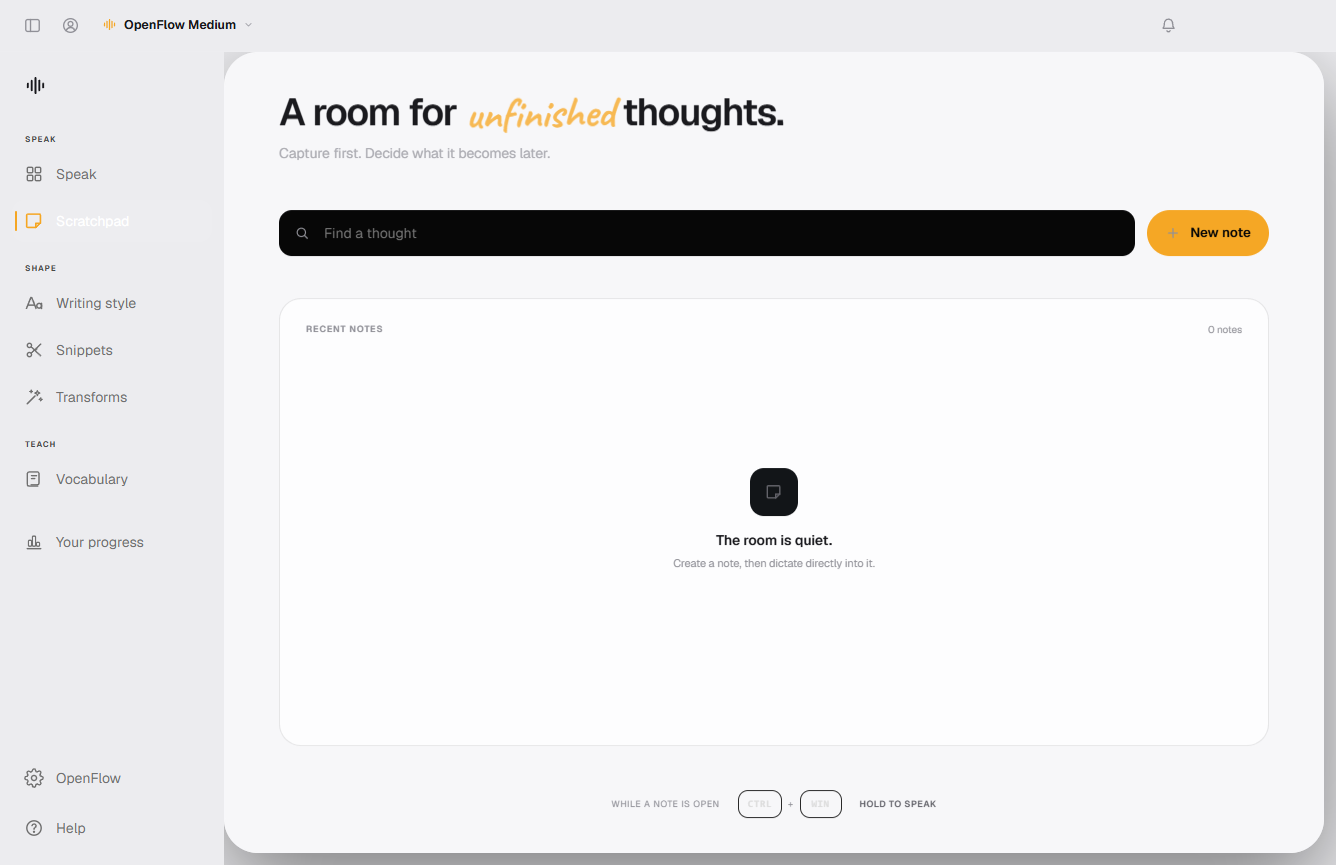
If typing hurts or isn't an option — RSI, injury, motor conditions — your voice becomes a full keyboard replacement.

More than a microphone

Everything between your voice and the finished text.

Auto cleanup

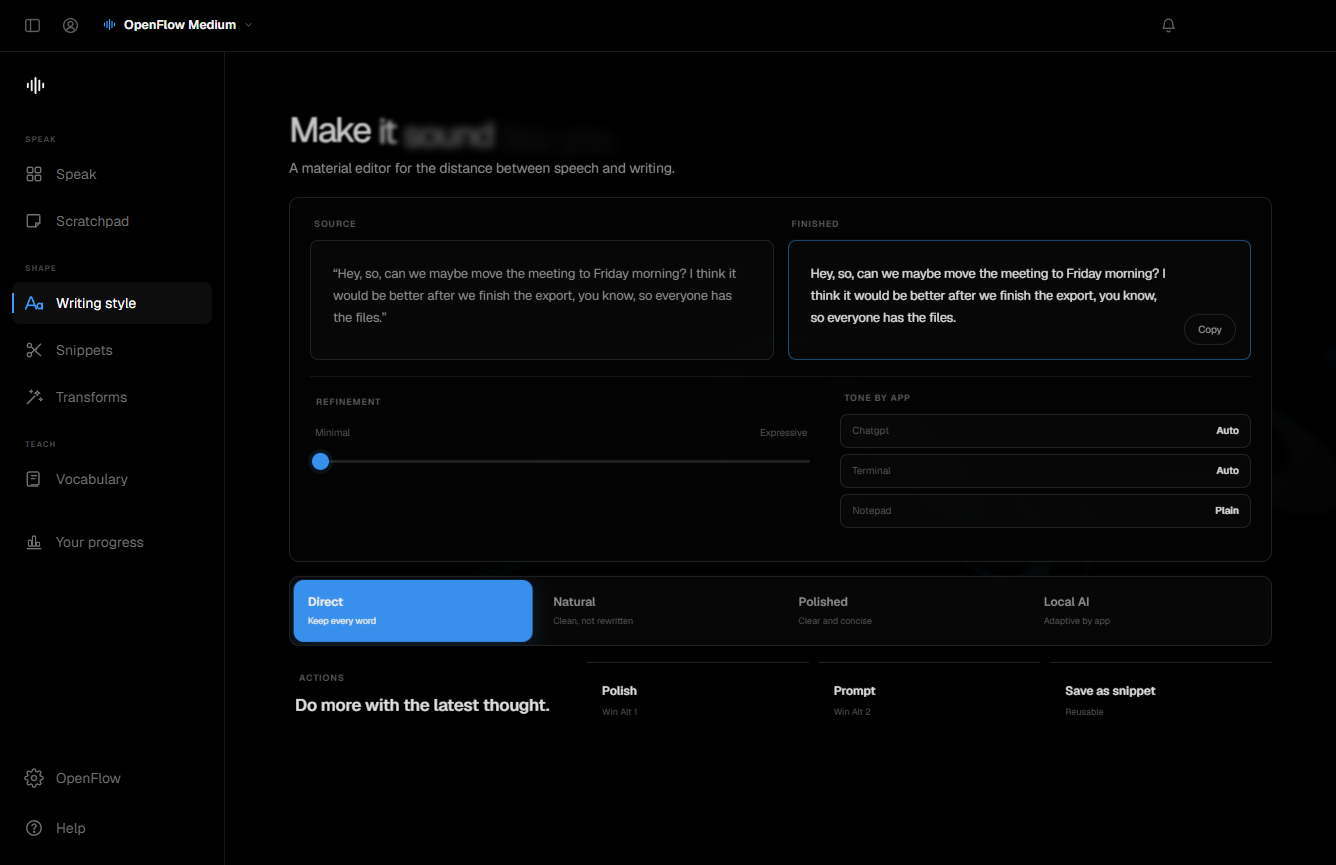
Filler words, false starts, and rambles are tidied into readable sentences as you release the key. Pick None, Light, or Medium — plus Pro tones per app.

Command Mode PRO

Say “new line”, “delete that”, “select all”, “undo” — and OpenFlow edits instead of typing. Hands stay off the keyboard.

Whisper Mode PRO

Boosts your microphone so you can dictate at an actual whisper — in open offices, libraries, or next to a sleeping baby.

Personal dictionary

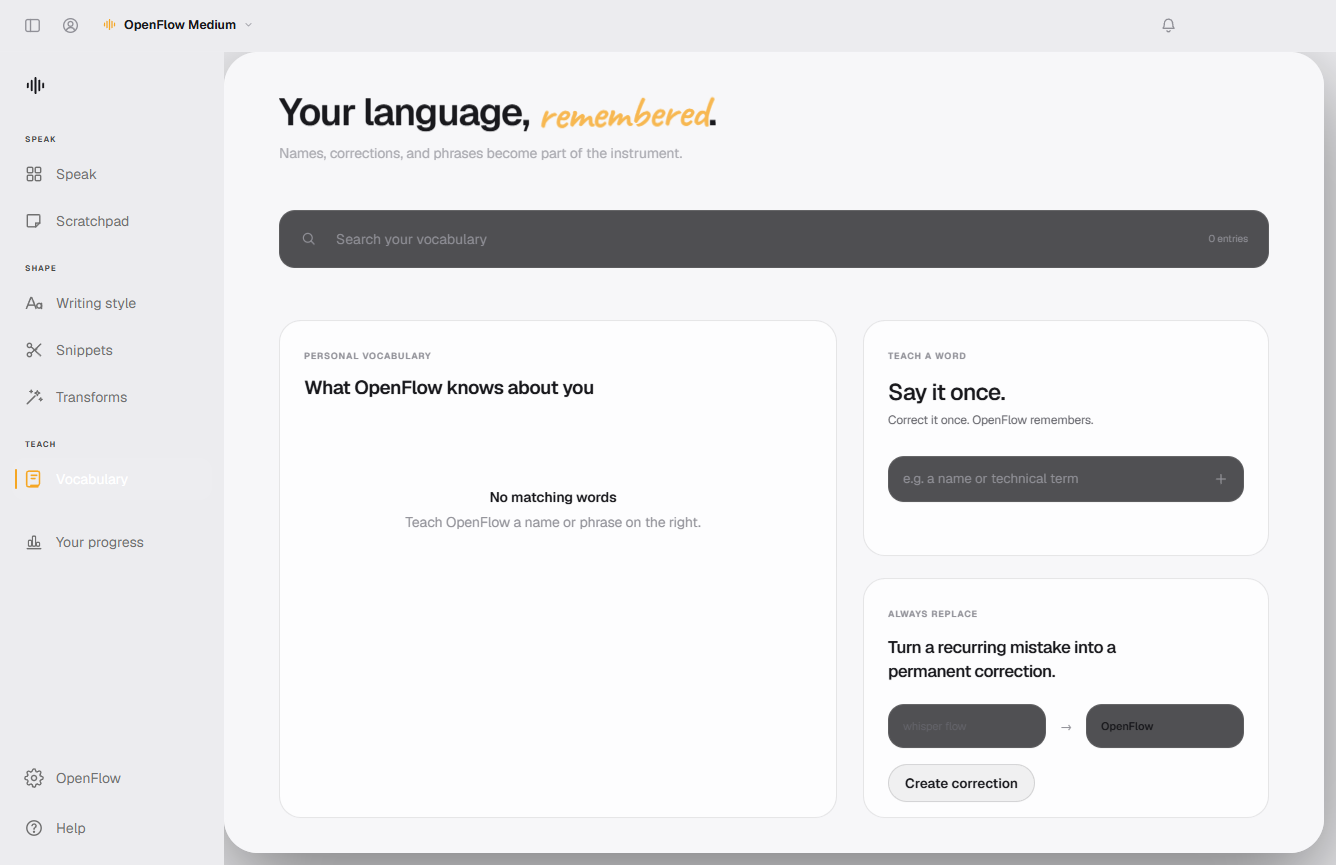
Teach it your names, products, and jargon once. Plain entries bias recognition; a → b rules auto-correct every time.

Snippets

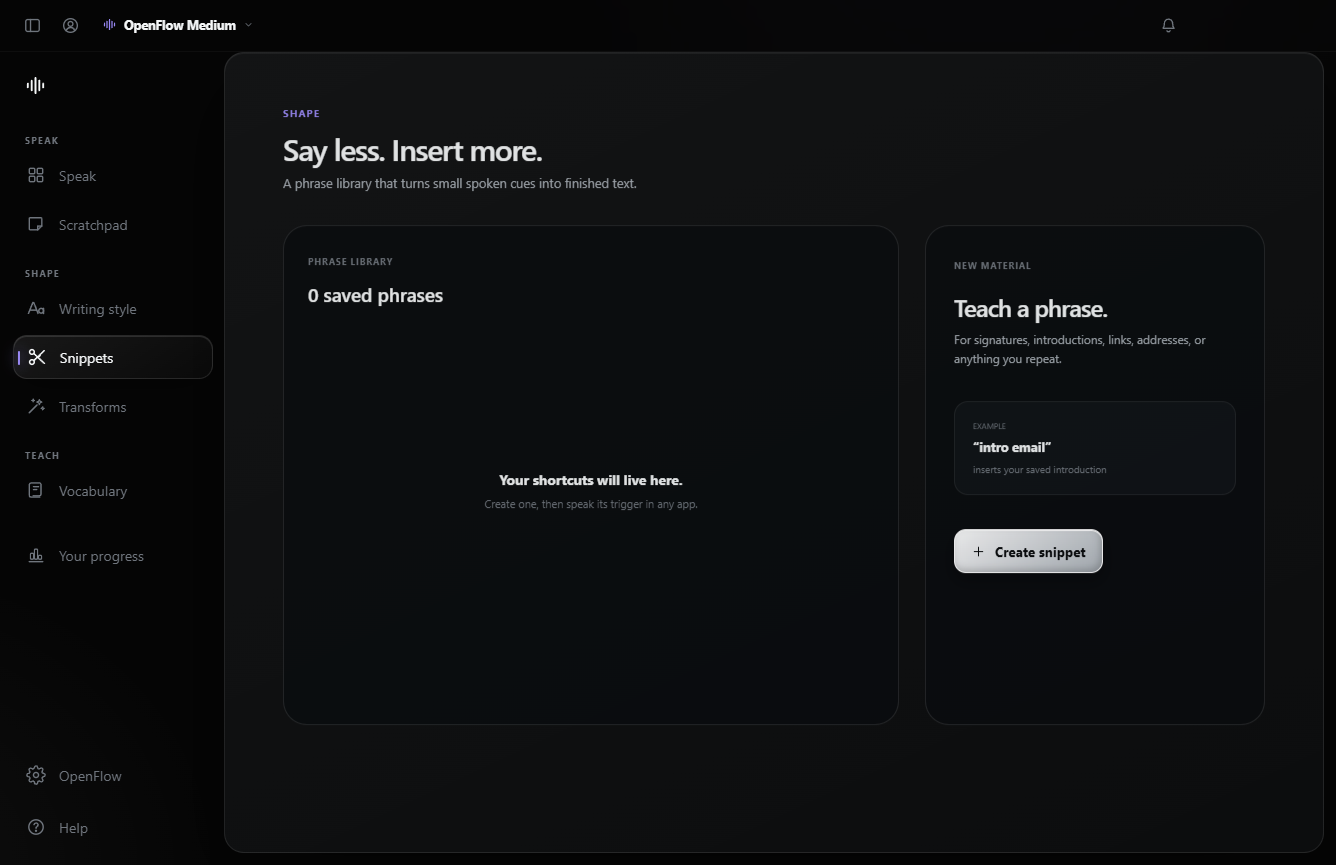
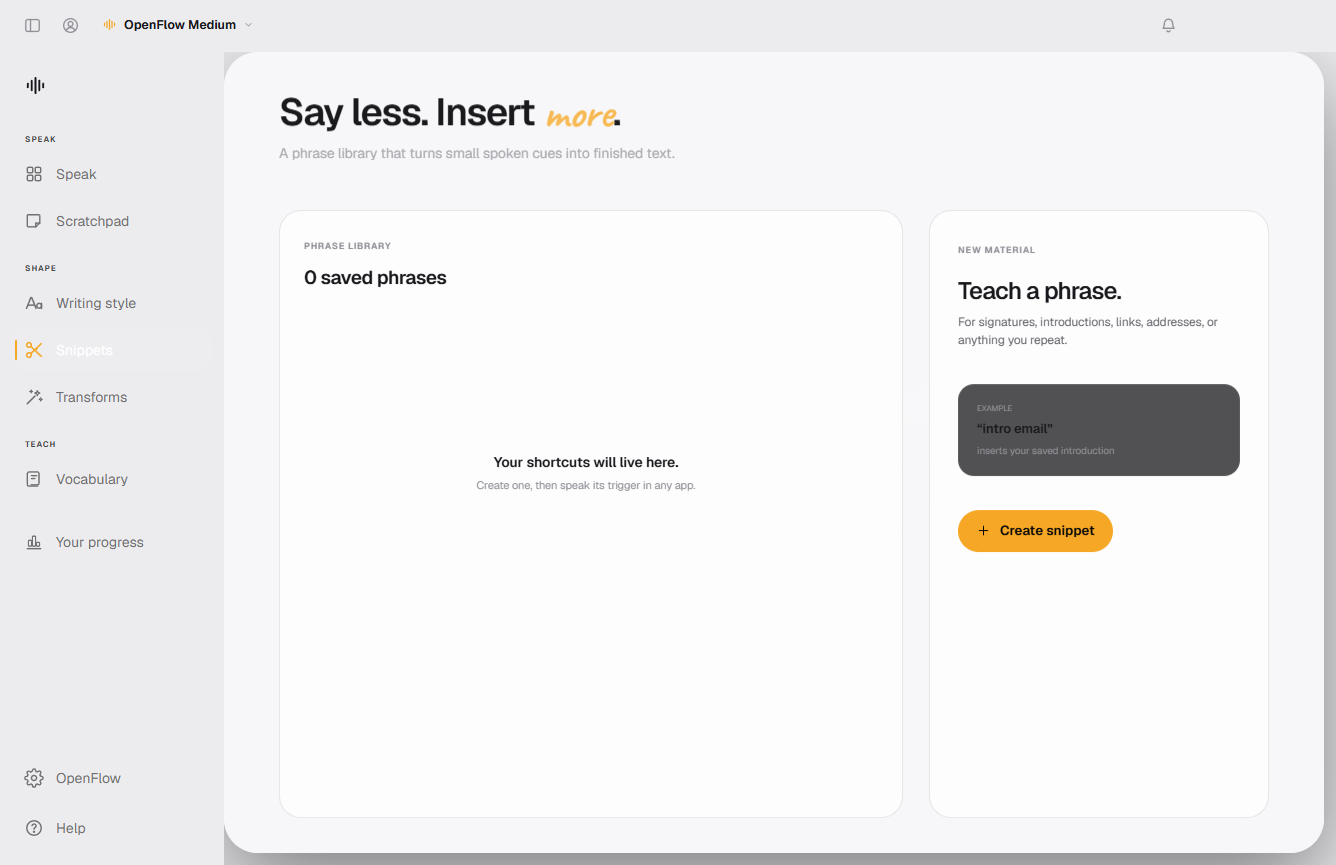
Say a trigger phrase, paste the whole thing: your calendar link, address, boilerplate reply, or a full email signature.

100+ languages

Auto-detected as you speak. Switch mid-day between languages without touching a setting.

How it works

Three seconds to learn.

Hold Ctrl + Win

From any app — your editor, browser, chat, terminal. A small pill at the bottom of the screen shows a live waveform.

Say what you mean

Ramble freely. Think out loud. Change your mind mid-sentence. The model keeps up at conversation speed.

Release — text lands

Cleaned-up text is pasted right where your cursor is. Press Esc anytime to cancel a take.

Pricing

Pay once. Keep it forever.

Every plan is a one-time purchase — no subscription, no monthly meter, no cloud bill hiding inside. Try everything free for 3 days first.

Basic
$5once
1 computer
  • Unlimited on-device dictation
  • 100+ languages, auto-detected
  • Rule cleanup, dictionary & snippets
  • OpenFlow Lite, Base & Small models
Buy Basic
Most popular
Pro
$15once
1 computer
  • Everything in Basic
  • Pro AI cleanup + tones per app
  • Command Mode & Whisper Mode
  • Every model, incl. OpenFlow Turbo Max
  • Correction learning & settings sync
Buy Pro
Ultra
$29once
Up to 3 computers
  • Everything in Pro
  • Activate on up to 3 machines
  • Desktop, laptop & work PC
  • Priority support
Buy Ultra
Secure checkout by Stripe · License key delivered instantly · Compare every feature →
Questions

Fair questions, straight answers.

Does it really work offline?
Yes. After the first-run download of the speech model, dictation needs no internet at all. Your account and license checks are designed to work offline too — the app verifies your key locally with a public key.
What hardware do I need?
Any reasonably modern Windows 10/11 PC. OpenFlow inspects your CPU, cores, and RAM and picks the right model automatically — from OpenFlow Lite (fastest) to OpenFlow Turbo Max (most accurate). If you have an NVIDIA GPU, it is detected and used automatically.
Is it really a one-time purchase?
Yes. You pay once and the license is yours. There is no subscription because there are no per-word cloud costs — your computer does the work.
How do I get my license after paying?
Your key appears immediately on the confirmation page and is tied to your purchase email. Sign in to OpenFlow with that same email, paste the key in Settings → License, and you are done.
How is this different from cloud dictation tools?
Cloud tools upload your voice to remote servers for transcription and usually charge monthly for it. OpenFlow transcribes on your own hardware: nothing you say is uploaded, it works with the network unplugged, and you pay once instead of forever.
What if it doesn't work for me?
The 3-day free trial includes every Pro feature, so you can test it on your machine and your microphone before paying a cent. If you bought and something is broken, write to support and we will make it right.

Your keyboard had a good run.

Download OpenFlow, hold Ctrl + Win, and say the first thing that comes to mind.